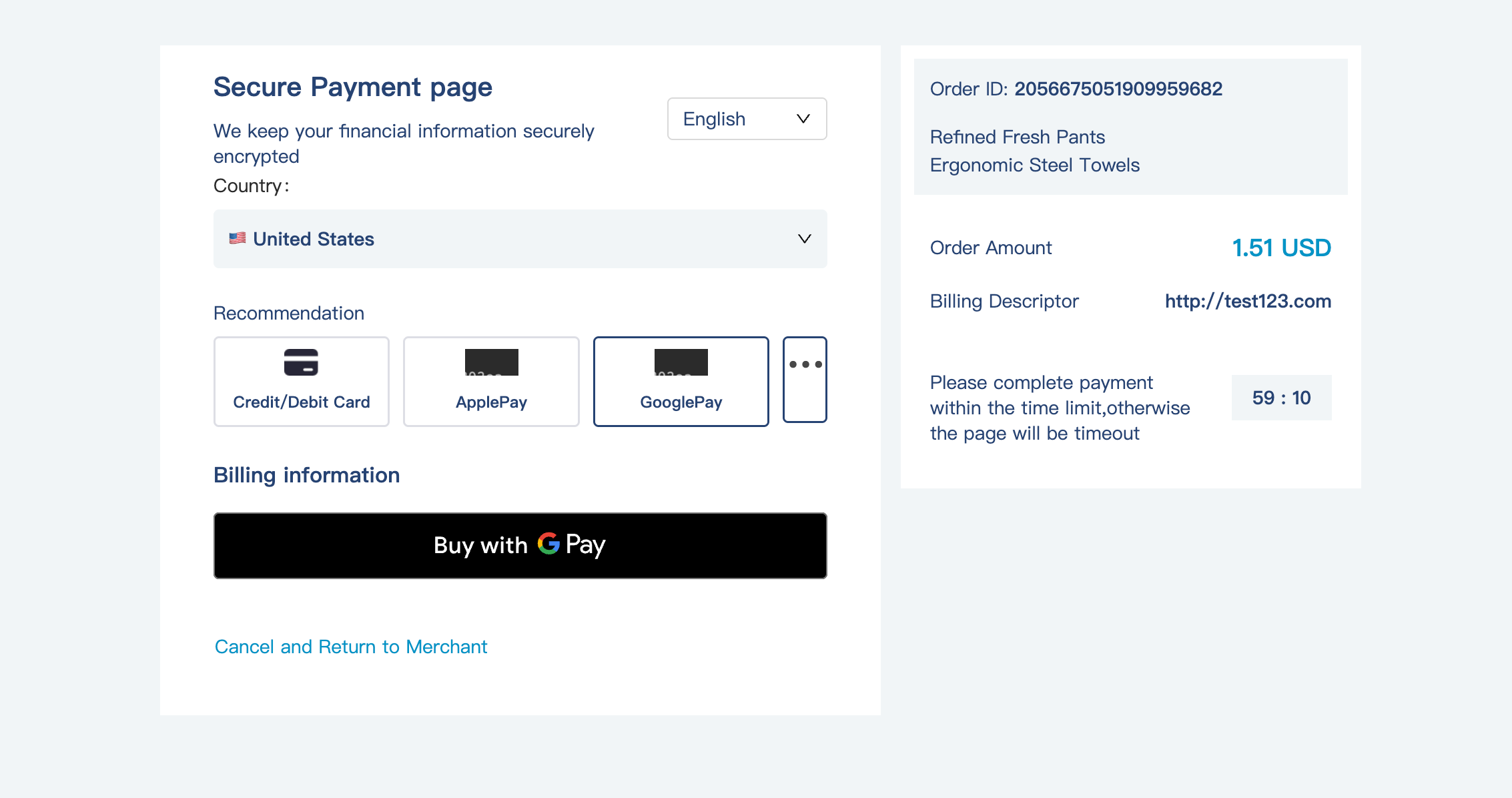
Google Pay™ On Checkout
Info: Use of Google Pay™ must comply with the Acceptable Use Policies of the Google Pay and Wallet API's Acceptable Use Policy and accept the terms as defined in the Google Pay API Terms of Service.
To do that, follow the steps below:
Contact your account manager to get the Google Pay service enabled for your shop.
When Google Pay is successfully activated.
After all these have been done, the request for the checkout interface can be made to open the checkout page and select Google Pay for payment.
Next, you will be able to see the Google Pay button on your checkout page.